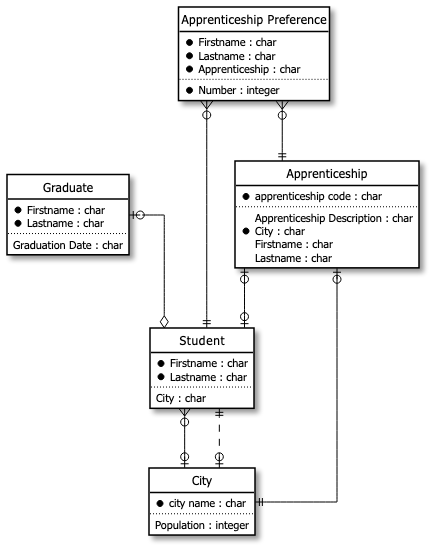
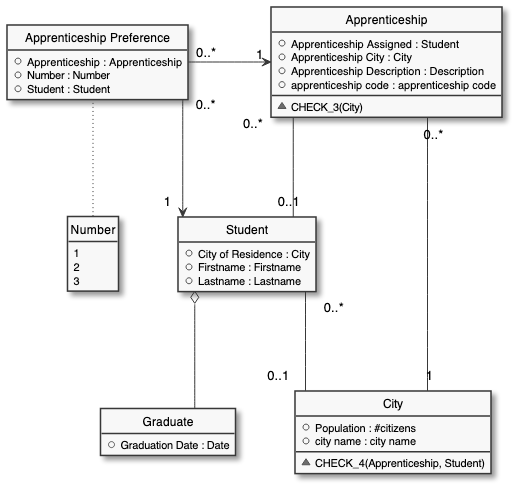
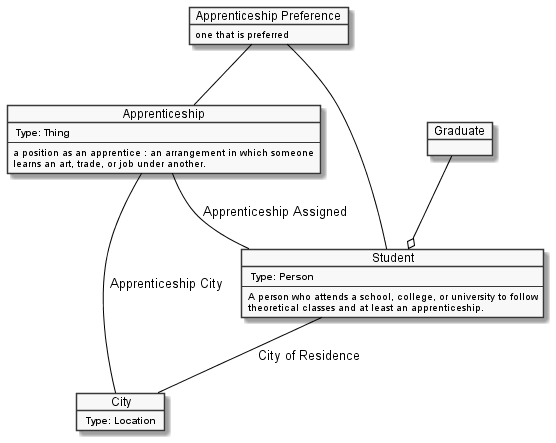
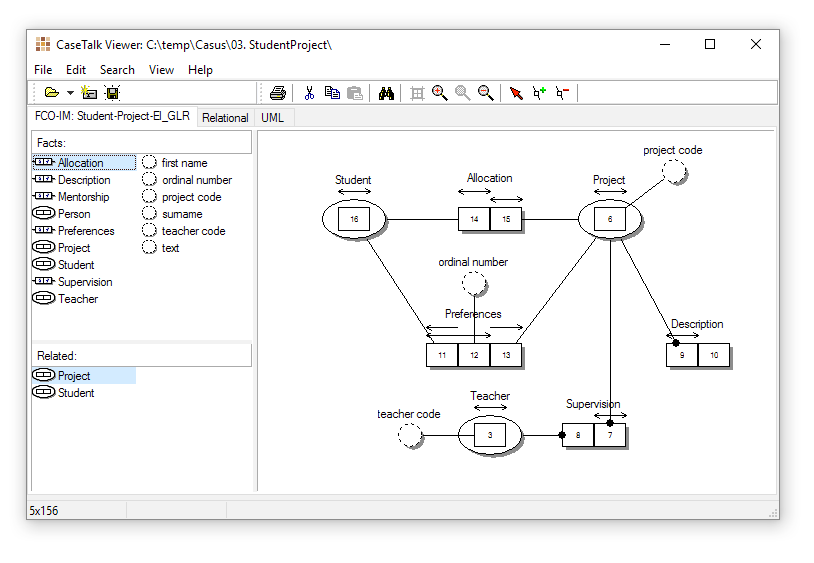
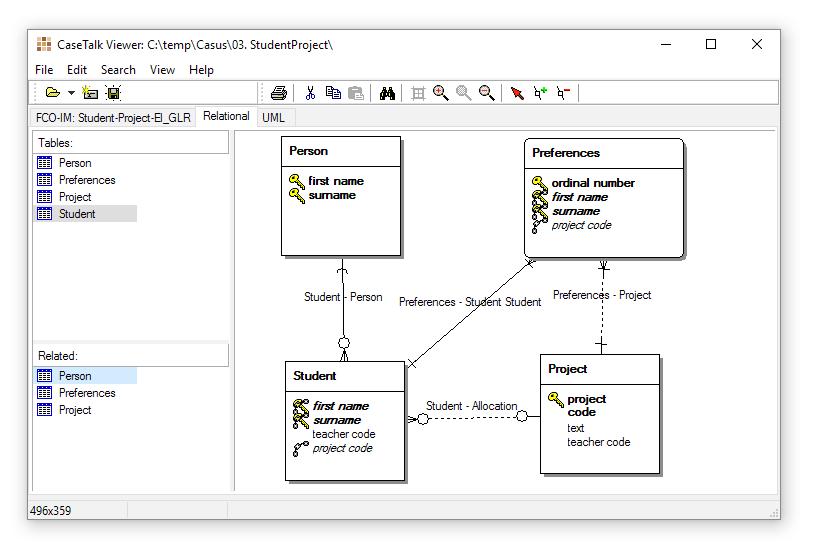
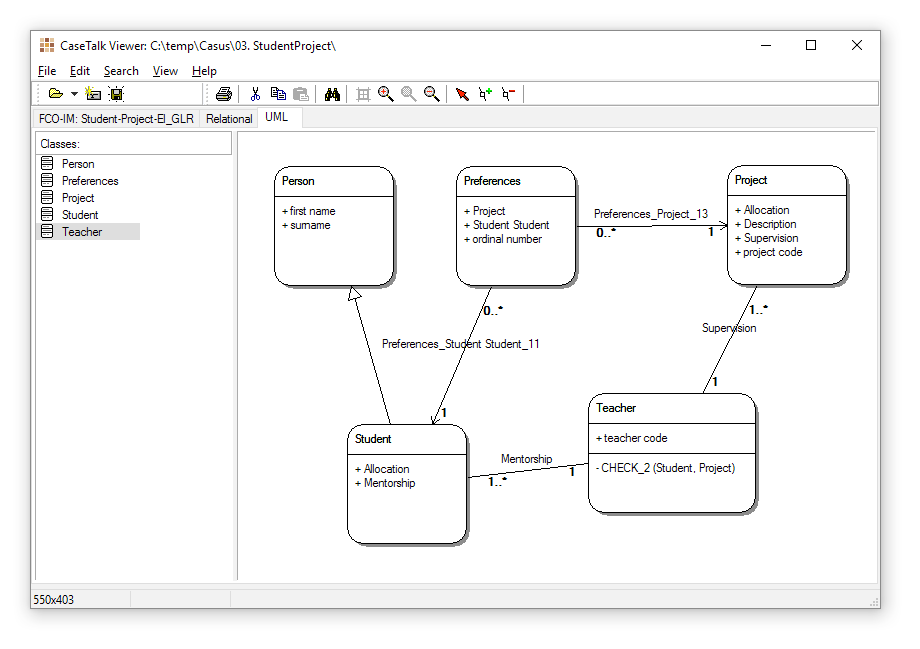
The CaseTalk Viewer reduces the need for additional third-party tools while still closing the gap between Fact Oriented Models, ER and UML. Using Viewer, users can simply open an existing CaseTalk Modeler file and immediately start assembling ER and UML diagrams using drag and drop.
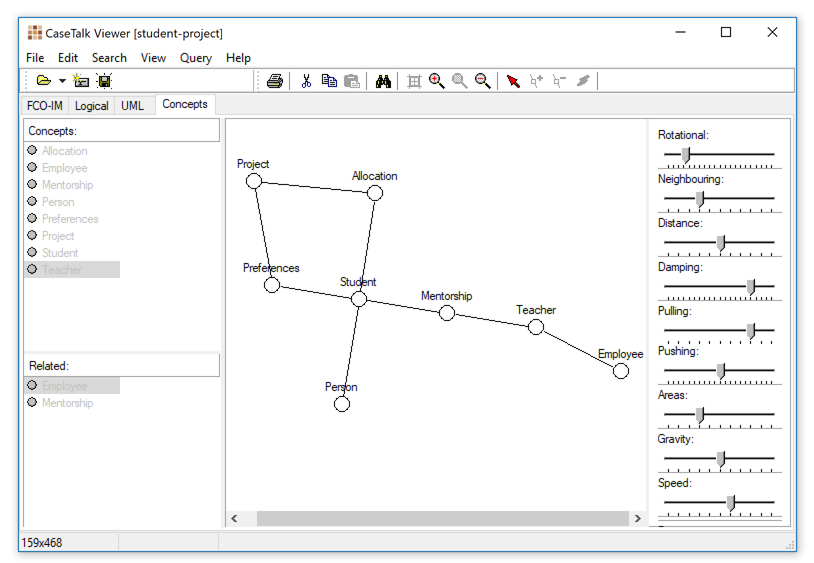
Below, are examples of how Viewer works. There is no need for manual labor when setting up the elements in the diagram; no manual drawings or defining tables, columns, relationships, and so forth are all derived from the models already made in CaseTalk Modeler.
End of Life notification
With the new Diagram Generator embedded in the CaseTalk Modeler. Every assembled Diagram will but used for the diagram generator which simultaneously generate ERD, UML Class Diagra, Concept Map, and more. (Java Required).