Organizations feel the increasing need to share and publish their knowledge amongst their employees in order to come to a shared understanding. The information captured in the Fact Oriented Models is a great resource to publish glossaries, ontologies, and taxonomies of the organization. Sharing all this information, all definitions and publishing this through the portal services the Single Point of Definition.
The Portal presents these in a way that allows technical and non-technical staff to understand the business knowledge; relaying it back to the domain experts makes the knowledge invaluable. All stakeholders in the organization are now able to tap into their published and well-documented wealth of knowledge.
Governance
- Full Glossary Navigation
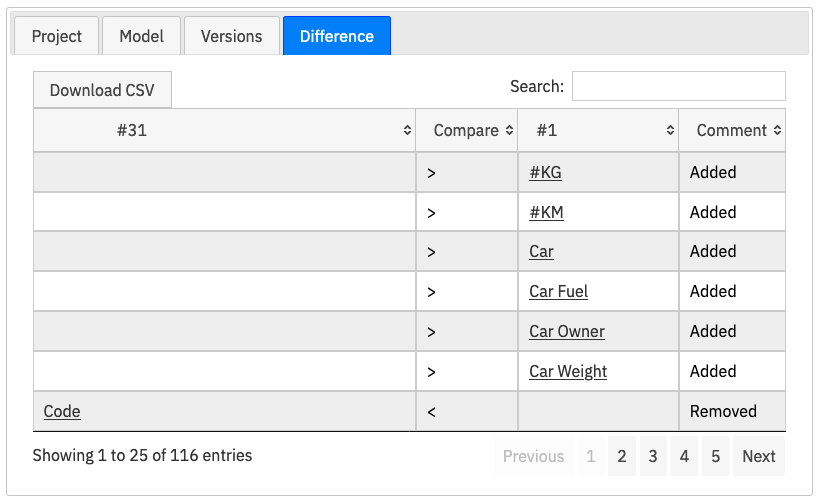
- Detailed Version Reporting
- Multi-Model Taxonomy
- Information Re-use Charts
- Publishing of integrated technical Artifacts
Glossary
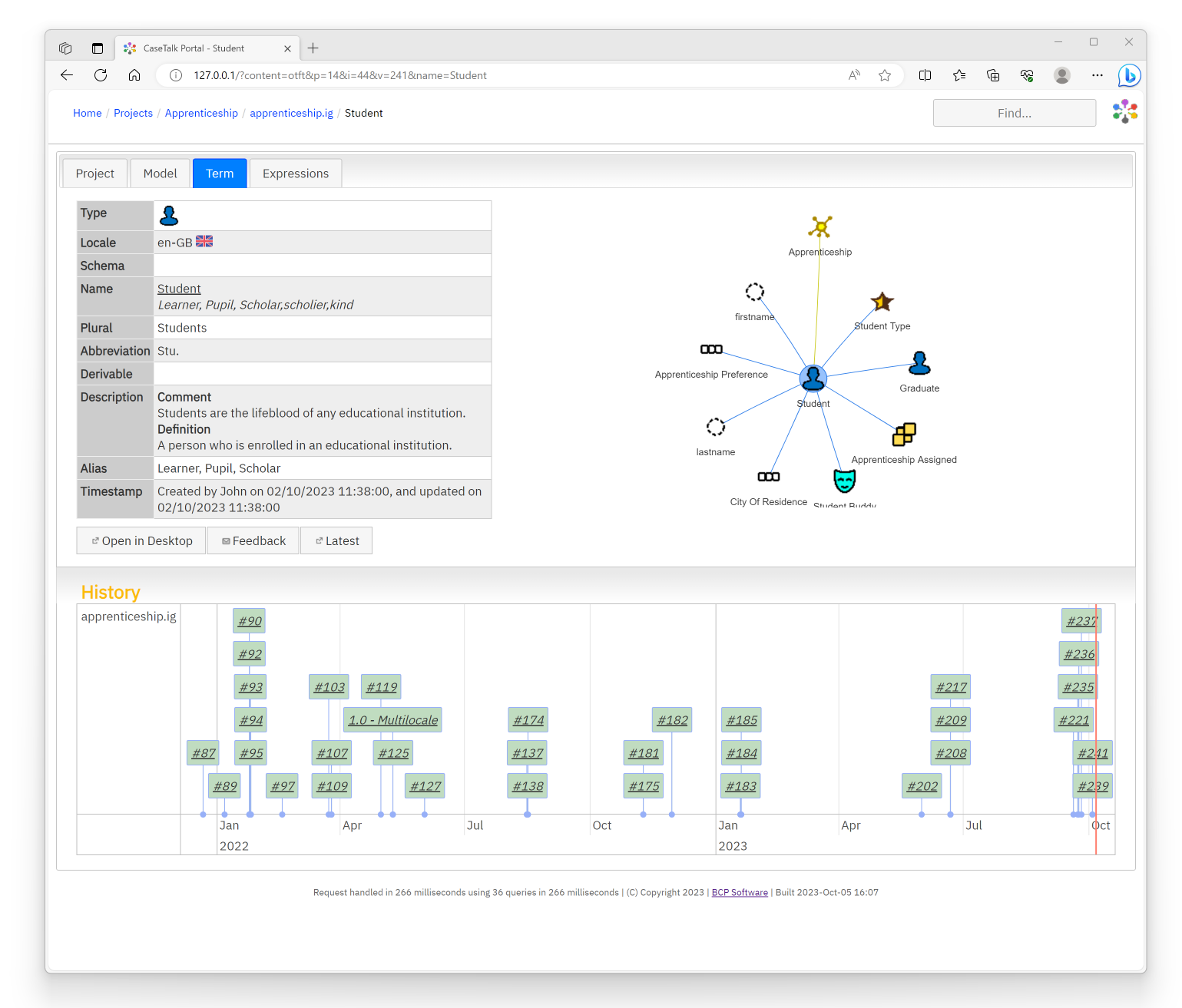
Detailed information on terms, attributes, relations, descriptions, examples, diagram references, etc.. All linked, all browsable, fully indexed for easy search.
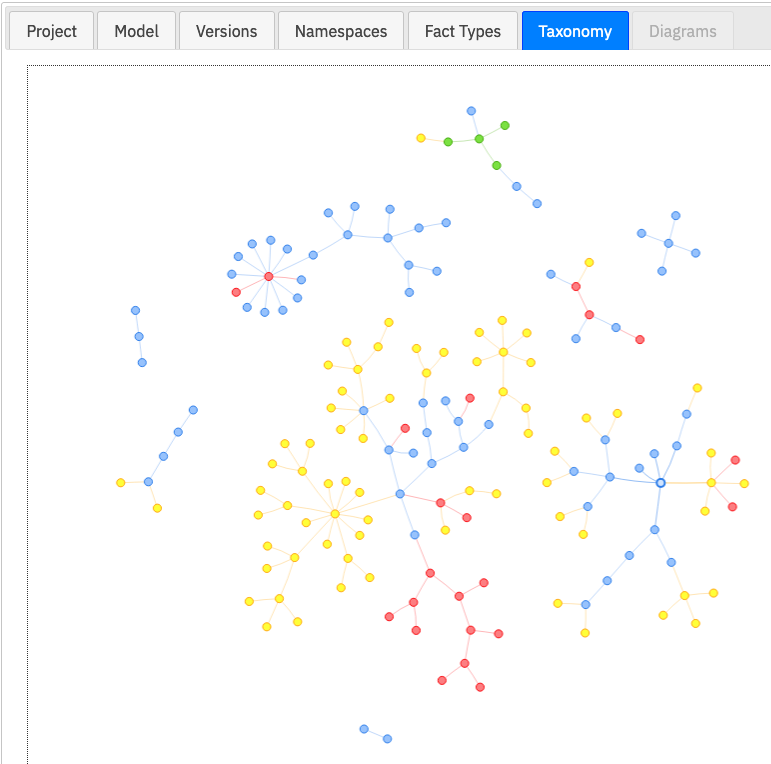
Taxonomy
A full taxonomy of super- and subtypes, color coded according to namespace origin, and navigatable.
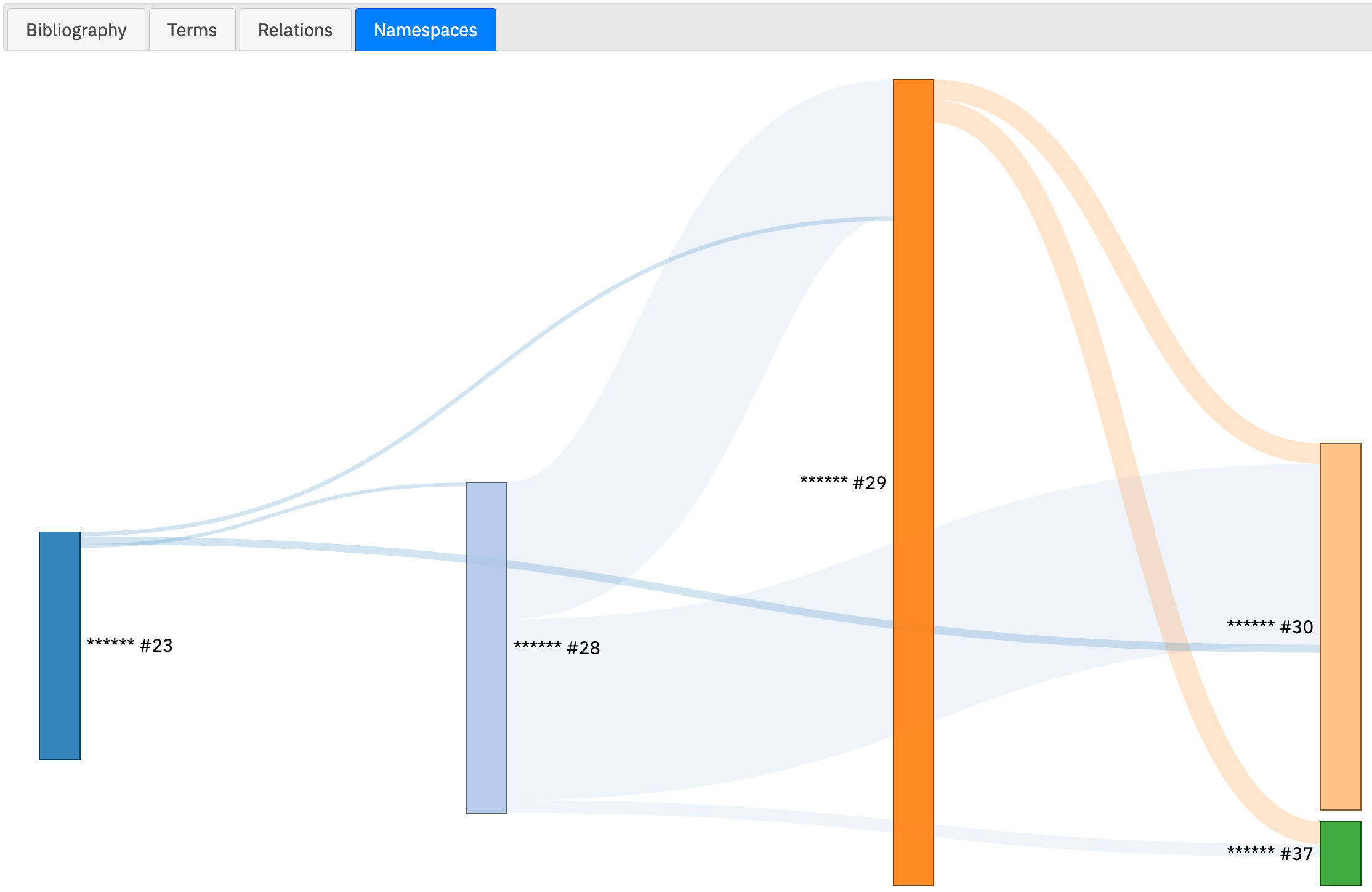
Namespaces
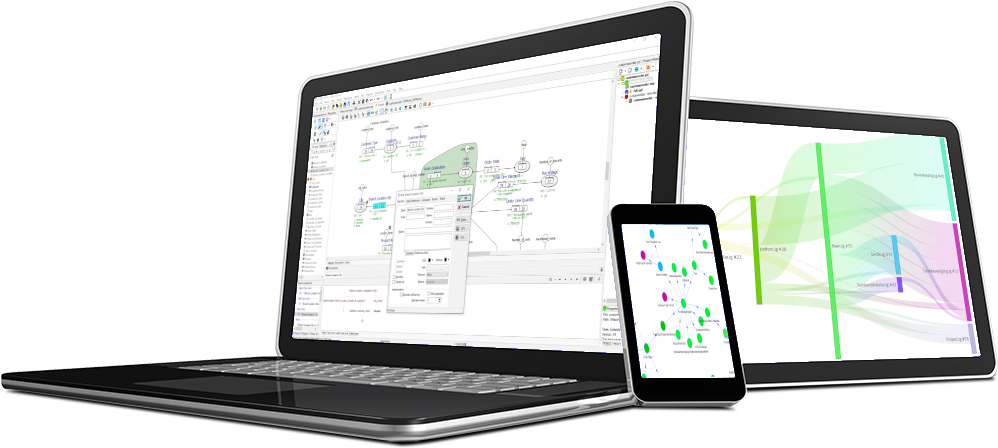
Information model re-use using a sankey diagram, showing model linking from version to version. This allows federated information models and re-use of them.
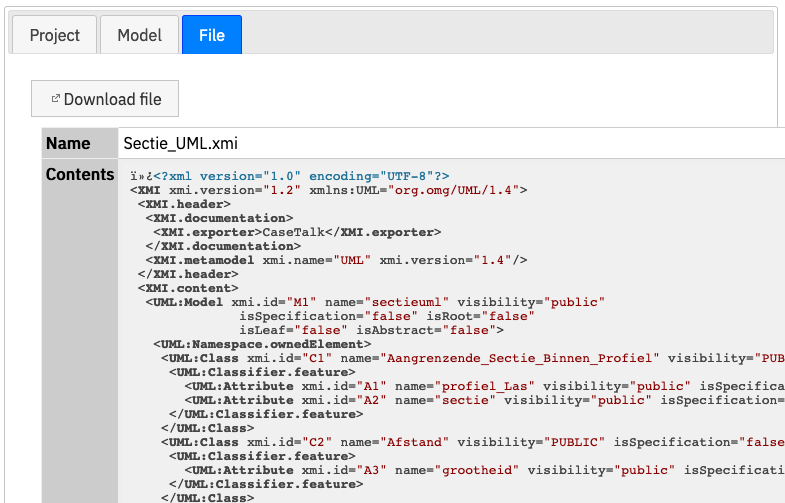
Artifacts
Every technical artifact generated by CaseTalk, which is part of the Information Model management, is immediately available for downloading to provide bootstrap functionality for projects and system implementations.
The use case of ProRail presents the information architecure combining CaseTalk Modeler, -Manager and -Portal.